Transcribe Hebrew audio to text
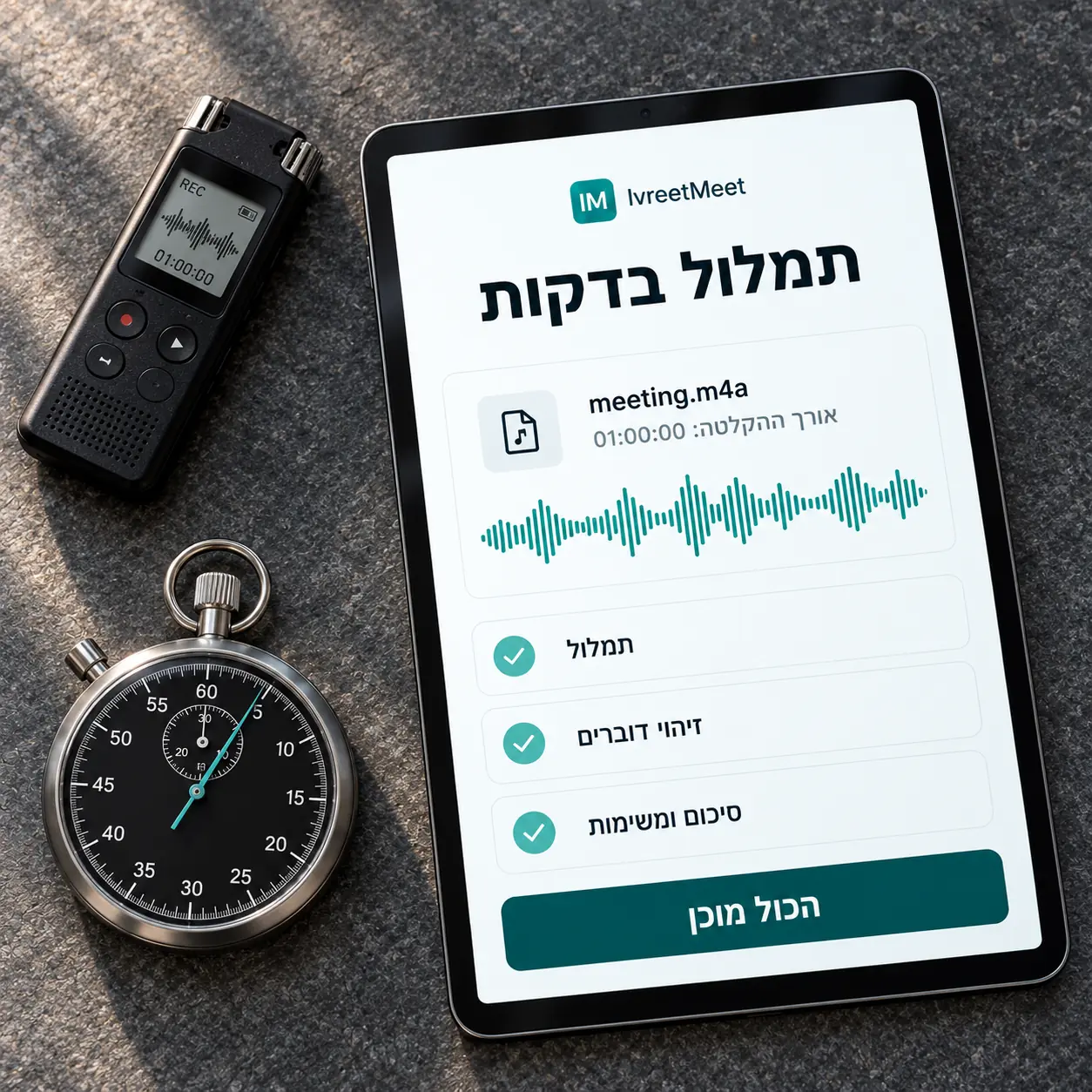
To transcribe Hebrew audio to text, upload the file to IvreetMeet and read the transcript a few minutes later: every passage carries its speaker and a timestamp, and a summary with decisions and action items sits next to it. Audio and video up to 4 GB work, including WhatsApp voice notes, and the first 60 seconds can be tried without an account.
Step by step
- 1Get the file onto your computer or phone. A Zoom or Teams recording, a voice memo, a WhatsApp voice note, or a video. MP3, WAV, M4A, AAC, OGG/OPUS, FLAC, AMR, 3GP, WMA, AIFF, CAF, and video: MP4, MOV, WEBM, MKV, AVI.
- 2Upload it. Drag it in. Add instructions if the summary should focus on something specific.
- 3Wait a few minutes. You can close the tab; the transcript and the summary arrive in your account.
- 4Name the speakers. One pass, once. The names then appear throughout the transcript and in the summary.
- 5Export or share. PDF, Word, PowerPoint, or a link.
How to get the best text
| Factor | What to do |
|---|---|
| Microphone distance | Record close; the platform recording captures each participant separately |
| The room | A quiet room, or a headset |
| Several people at once | One at a time, and every sentence keeps its speaker |
| The file | Upload the original file, not a re-compressed copy |
| Names and terms | Write them in the summary instructions |
Voice notes and phone calls
A WhatsApp voice note is an OPUS file and uploads like anything else; there is a page for that case at WhatsApp voice messages to text. A recorded phone call works the same way: upload the recording and get the conversation back by speaker.
Where the text lives afterwards
In your organization's account, with every transcript searchable and ready to export or share. Your recordings are not used to train models, and you decide what to share and what to delete.
Frequently asked questions
Can I try it without signing up?
Yes. The home page transcribes up to 60 seconds without an account, so you can hear what your own recording sounds like as text before deciding.
What about a two-hour recording?
Long files are fine as long as they stay under 4 GB. The transcript comes back in one piece, with timestamps, and stays searchable.
How do I get the cleanest transcript?
Record close to the speakers, in a quiet room, one person at a time, and upload the original file. Write names and terms in the summary instructions and they come out exactly right.
Will it keep the speakers apart?
Yes. Separation is automatic: the system marks where the speaker changes, and you give each one a name once.
Can I get the text as a file?
Yes: a PDF on every plan, and Word, PowerPoint, Excel, subtitles and more on paid plans. You can also share the summary as a PDF over WhatsApp or email, or as a view link.
Try it on your own recording
IvreetMeet transcribes and summarizes Hebrew meetings. The free plan covers 7 meetings and 120 minutes per organization each month.
Start free