Hebrew meeting transcription and minutes
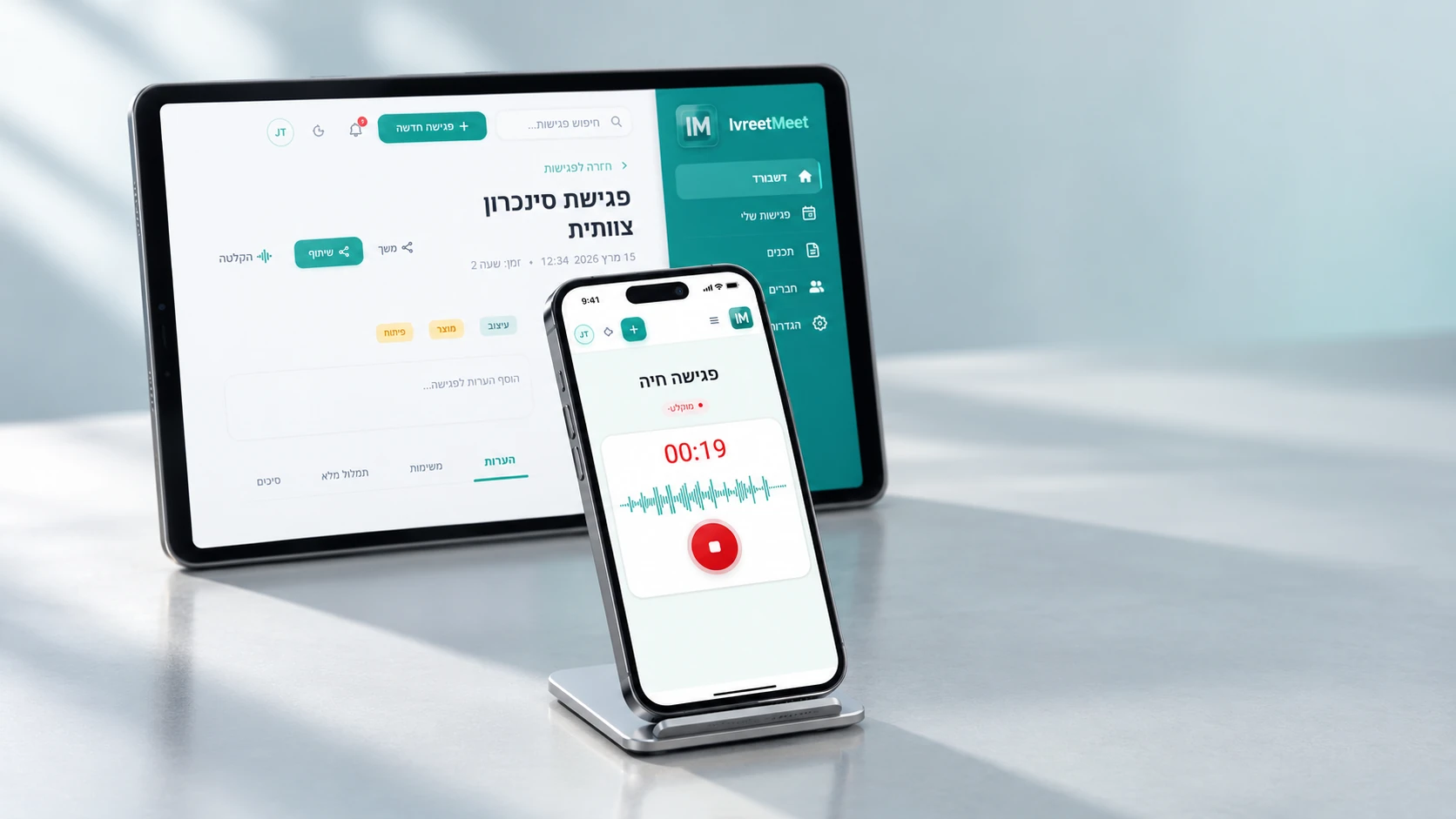
Upload the recording of a Hebrew meeting — from Zoom, Google Meet, Teams, a phone or the browser — and get back a full transcript split by speaker and a set of minutes written from it: key points, decisions, and action items with owners. You can also paste the meeting link and let the IvreetMeet assistant join and record it. The free plan covers 7 meetings a month.
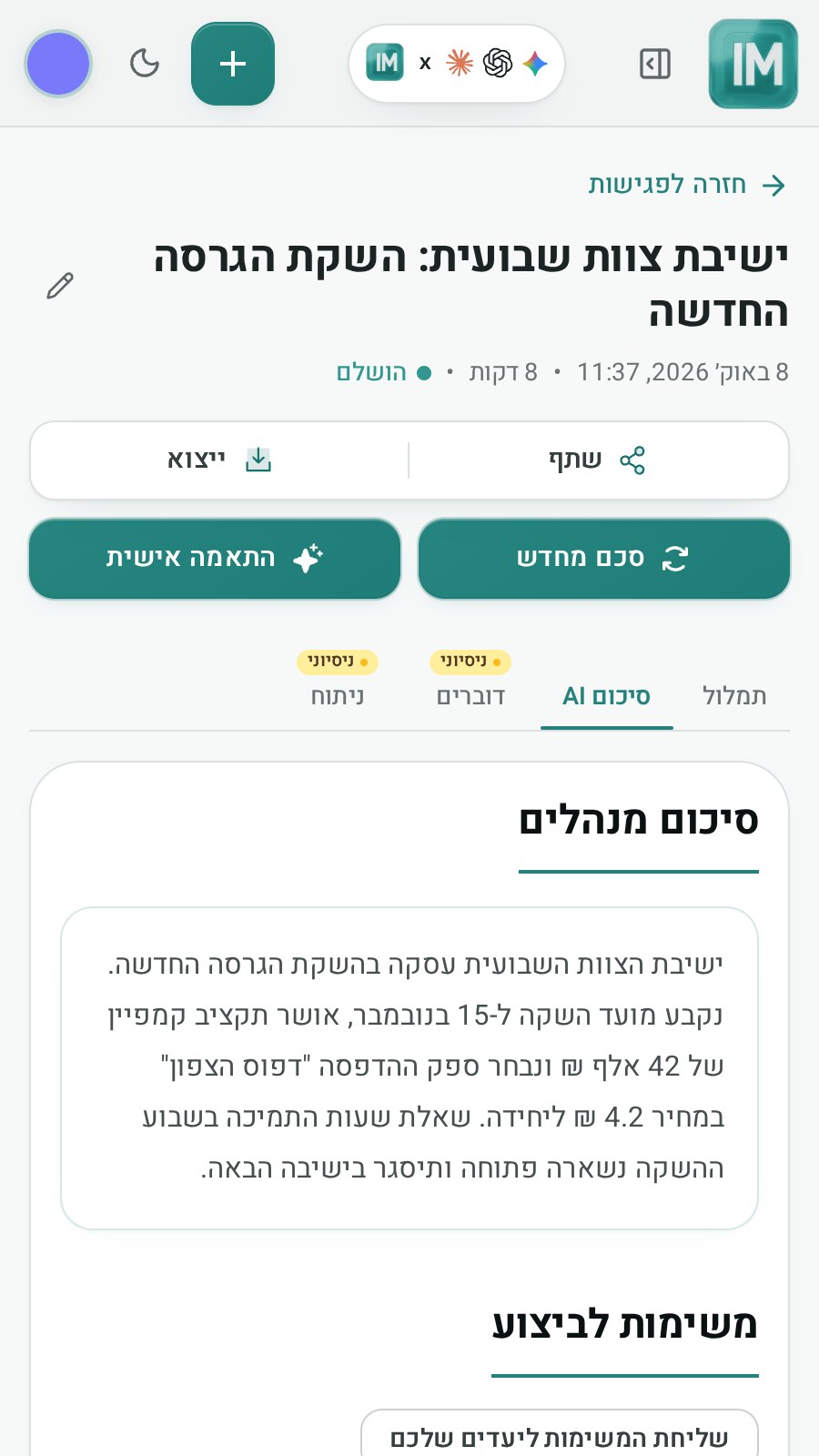
From recording to minutes
- 1Record the meeting, or send the assistant. The platform recording captures each participant from their own microphone. Or paste the meeting link and the IvreetMeet assistant records it for you.
- 2Upload it with context. Up to 4 GB. Add the participants and the purpose so the summary knows what matters.
- 3Name the speakers once. The names then run through the whole transcript and into the minutes.
- 4Read the minutes and send them. Share the summary as a PDF over WhatsApp or email, share a view link, or export to Word.
What goes into the minutes
| Section | What it holds | Why it matters |
|---|---|---|
| Key points | The subjects discussed, in order | For whoever was not there |
| Decisions | What was decided and by whom | The basis for formal minutes |
| Action items | The task, the owner, the date | Follow-up that survives the week |
| Full transcript | Everything said, by speaker, with timestamps | The source for any quote |
Built for meetings in Hebrew
People interrupt, talk at once, and switch to English mid-sentence; customer and product names appear in no dictionary. That is exactly what IvreetMeet's model was trained on, and speaker separation is part of the system rather than an add-on, so every sentence lands with the person who said it.
For teams
- Every meeting in one place. Search across the titles, transcripts and summaries of all your meetings.
- Chat with your meetings. Ask about every meeting at once and get the source with each answer (paid plans).
- Action items to your tools. Jira, monday.com, Slack and Fireberry, straight from the summary.
- Private. Your meetings are not used to train models.
Frequently asked questions
Can IvreetMeet join the meeting?
Yes. Paste a Zoom (Pro plan), Google Meet or Teams link and the IvreetMeet assistant asks to join and records; the meeting arrives transcribed and summarized. You can also record in Zoom, Meet, Teams, on a phone or in the browser and upload the file.
What is in the automatic minutes?
Key points in the order they were discussed, the decisions taken, and the action items with owners and dates — written from the full transcript rather than from anyone\'s memory.
How does it know who spoke?
Speaker separation is automatic in every meeting, and you name each speaker once. Organizations can also turn on recognition by voice, so a saved speaker's name is suggested in later meetings.
Can several people share the meetings?
Yes. Share any meeting with a view link that opens without an account, or send its summary as a PDF by WhatsApp or email.
Can I change what the summary emphasises?
Yes. Attach instructions when you upload — who is in the room, what the meeting is for — or ask for the summary again afterwards with a different emphasis.
Try it on your own recording
IvreetMeet transcribes and summarizes Hebrew meetings. The free plan covers 7 meetings and 120 minutes per organization each month.
Start free