Frequently asked questions
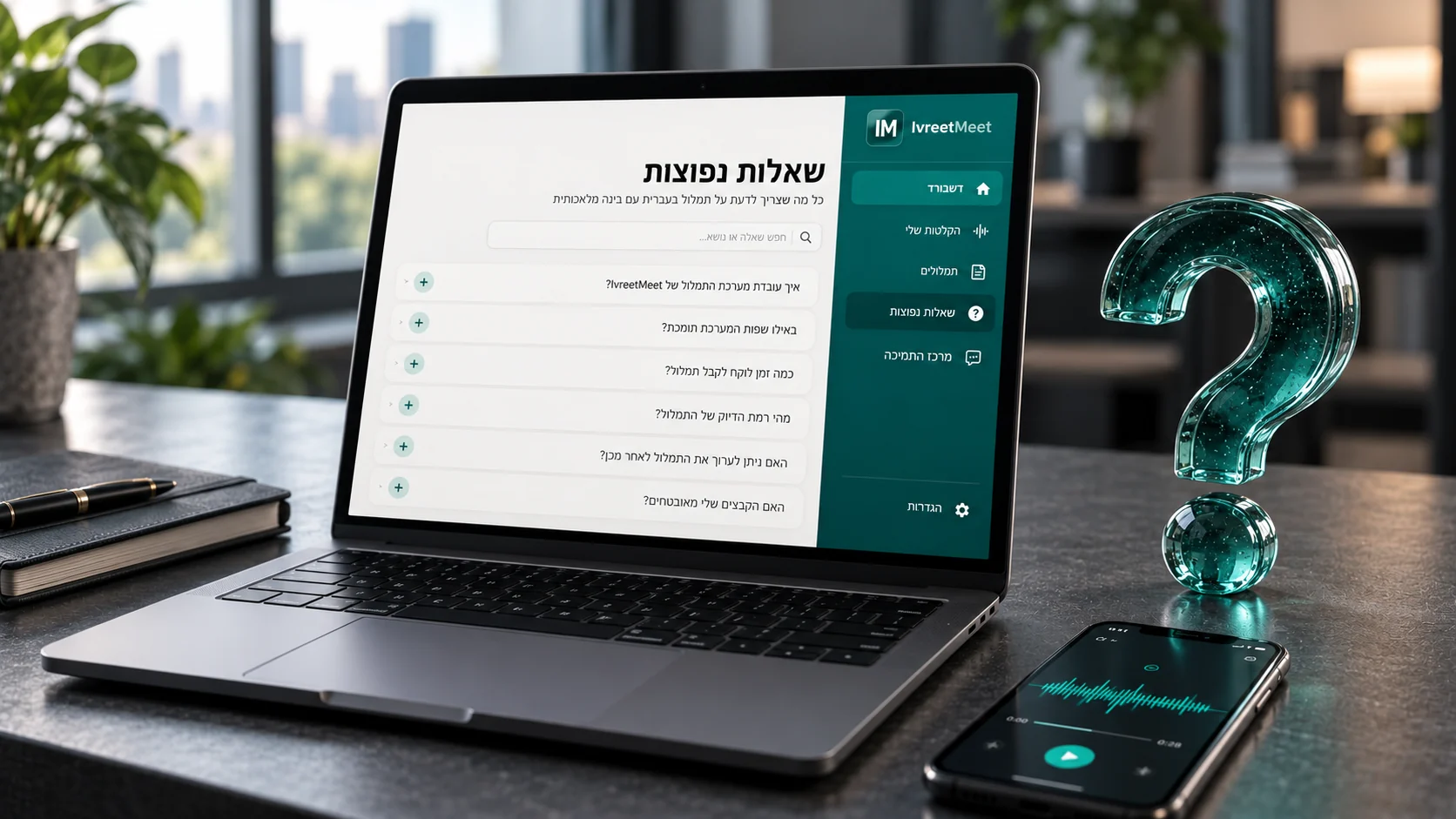
The questions people ask before they upload their first recording: what works, how fast, what it costs, and what you can do with the result. Everything below is what the product does today.
Still deciding?
The fastest answer is your own recording. Transcribe 60 seconds without an account, or take the free plan and run a real meeting through it — preferably a difficult one, recorded the way you normally record. That tells you more than any comparison table.
Where to go next
- Hebrew transcription — how to get the best transcript.
- Hebrew meeting transcription — transcripts and minutes for teams.
- Free Hebrew transcription — exactly what the free plan covers.
- API and MCP — for developers and AI assistants.
- The site in Hebrew — the product interface and the full guides.
Frequently asked questions
What does IvreetMeet do?
It transcribes Hebrew audio and video and writes a summary from it: a transcript split by speaker with timestamps, plus key points, decisions and action items.
Which languages does it handle?
Hebrew, including the Hebrew-English mixture people actually speak at work: English terms, names and sentences are transcribed as they were said.
Which file formats and what size?
Audio and video up to 4 GB: MP3, WAV, M4A, AAC, OGG/OPUS, FLAC, AMR, 3GP, WMA, AIFF, CAF, and video: MP4, MOV, WEBM, MKV, AVI.
How long does a transcript take?
Minutes for a normal meeting rather than hours. The transcript and the summary arrive in your account; you can close the tab while it works.
What does the free plan include?
7 meetings and 120 minutes per organization per month, with transcription by speaker, summaries, PDF export and share links — and up to 60 seconds with no account at all.
What does the paid plan cost?
Pro is ₪99 per month, with up to 70 hours of transcription a month, every export format, chat with your meetings and the studio. No commitment.
Can IvreetMeet join my meetings?
Yes. Paste a Zoom (Pro plan), Google Meet or Teams link and the IvreetMeet assistant asks to join and records; the meeting arrives transcribed and summarized. Or record where you already meet and upload the file.
How accurate is it?
Very, including spoken Hebrew. The model was trained on Hebrew as people actually speak it, and on public Hebrew test sets it ranks among the leading systems. A close microphone and one speaker at a time make any recording even better.
How does speaker separation work?
Automatically in every meeting: the system marks where the voice changes and you name each speaker once. Organizations can also turn on recognition by voice, so a saved speaker's name is suggested in later meetings.
Are my recordings used to train models?
No. Your recordings, transcripts and summaries are not used to train models, and we do not sell personal data.
Who can see my meetings?
The members of your organization. Outside it, only people you send a share link or a PDF to — and a link stops working the moment you switch it off.
Can I export the result?
Yes: Word, PDF, PowerPoint, Excel, Markdown, SRT and WebVTT subtitles and more on paid plans; a PDF on the free plan. You can also share the summary as a PDF over WhatsApp or email.
Can I delete my data?
Yes. A meeting, a speaker or the whole account can be deleted at any time, straight from the product.
Is there an API?
Yes — a REST API with a personal key, and an MCP server that connects your meetings to AI assistants. See API and MCP.
Try it on your own recording
IvreetMeet transcribes and summarizes Hebrew meetings. The free plan covers 7 meetings and 120 minutes per organization each month.
Start free