Hebrew transcription: turning Hebrew recordings into text
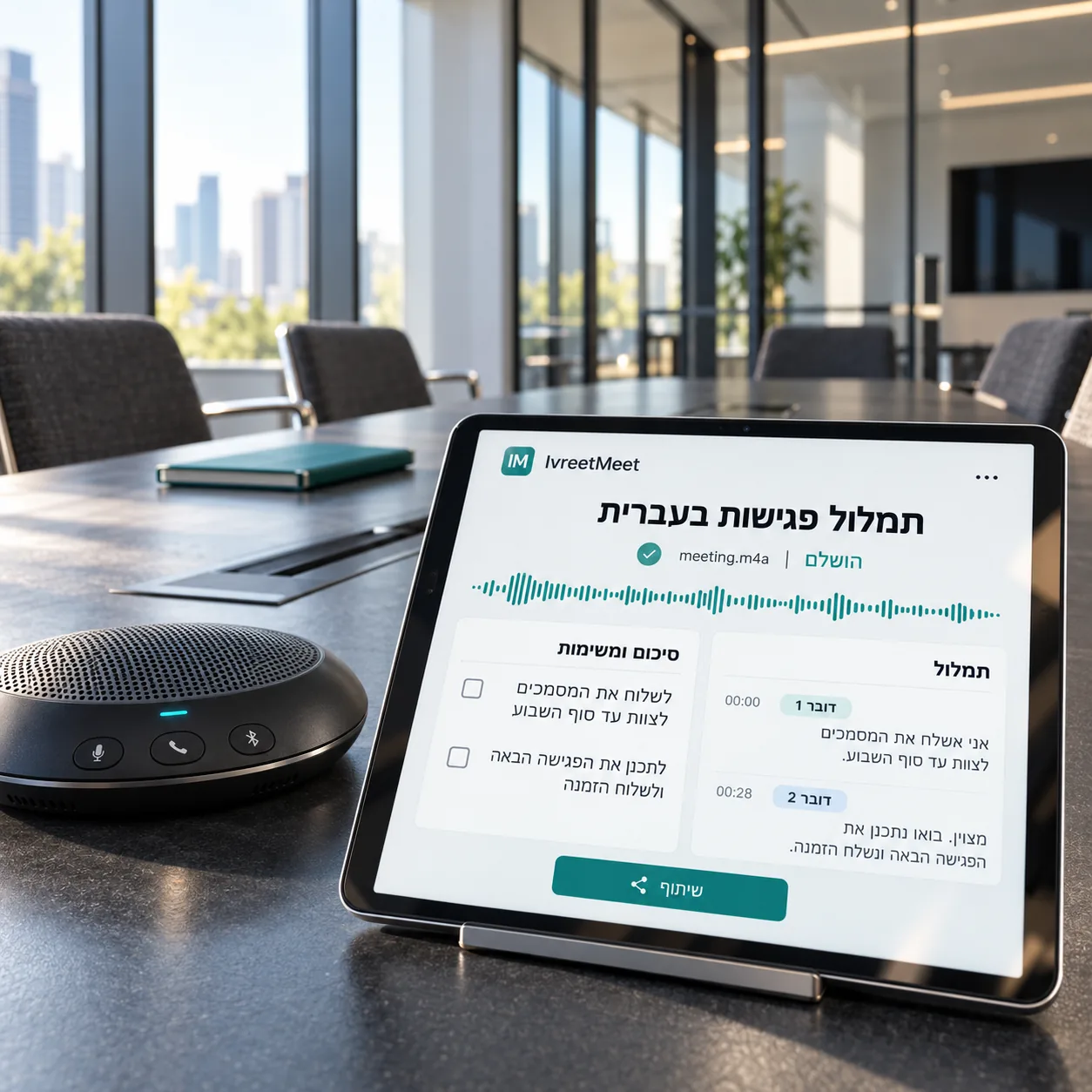
Hebrew transcription means converting Hebrew speech in an audio or video file into readable text. With IvreetMeet you upload the file — up to 4 GB — and get a transcript split by speaker with timestamps, plus a summary with key points, decisions and action items. This page covers the formats, how to get the best result, and what the free plan includes.
What you actually get
| Part | Detail |
|---|---|
| Transcript | Every passage with its speaker and a timestamp, searchable |
| Speakers | Separated automatically; you name them once |
| Summary | Key points, decisions, action items with owners |
| Export | PDF, Word, PowerPoint, subtitles, or a share link |
Five habits for the best result
- 1Record close to the speakers. A phone in the middle of the table, or a headset, hears the people rather than the room.
- 2Prefer the platform recording. Zoom, Meet and Teams record each participant from their own device, which is far cleaner than one microphone in a room.
- 3Keep the original file. Upload the recording as it was saved; there is no need to convert or shrink it.
- 4Say who is in the room. Attach instructions with the participants and the purpose; the summary follows them.
- 5Name the speakers once. The names run through the transcript and into the summary you send on.
Built for spoken Hebrew
Hebrew has its own character: no written vowels, prefixes glued to words, and a workplace vocabulary full of English terms pronounced with Hebrew inflection. Real meetings add interruptions and several voices at once. IvreetMeet runs its own Hebrew speech model, trained on exactly that, and treats speaker separation as part of the job rather than an extra.
Transcription is not translation
Transcription writes down what was said, in the language it was said in. Translation turns it into another language. IvreetMeet transcribes Hebrew into Hebrew text and summarizes it in Hebrew; if you need an English version of the content, take the transcript and translate it in a tool built for that.
Frequently asked questions
Which file formats can I upload?
Audio and video up to 4 GB: MP3, WAV, M4A, AAC, OGG/OPUS (WhatsApp voice notes), FLAC, AMR, 3GP, and video such as MP4, MOV, WEBM and MKV. Video is handled by reading its audio track.
How long does it take?
Minutes for a normal meeting rather than hours, and you can close the tab: the transcript appears first and the summary follows it.
How accurate is Hebrew transcription?
Very accurate with IvreetMeet, including spoken Hebrew: the model was trained on Hebrew as people actually speak it and ranks among the leading systems on public Hebrew test sets. A close microphone, one speaker at a time, makes any recording even better.
Can it handle Hebrew mixed with English?
Yes. Sentences that switch between Hebrew and English are the normal case in Israeli work meetings, and that is what the model is trained on.
Is there a free option?
Yes. The free plan covers 7 meetings and 120 minutes per organization per month, and you can try up to 60 seconds without signing up. See free Hebrew transcription.
Try it on your own recording
IvreetMeet transcribes and summarizes Hebrew meetings. The free plan covers 7 meetings and 120 minutes per organization each month.
Start free