Hebrew speech to text
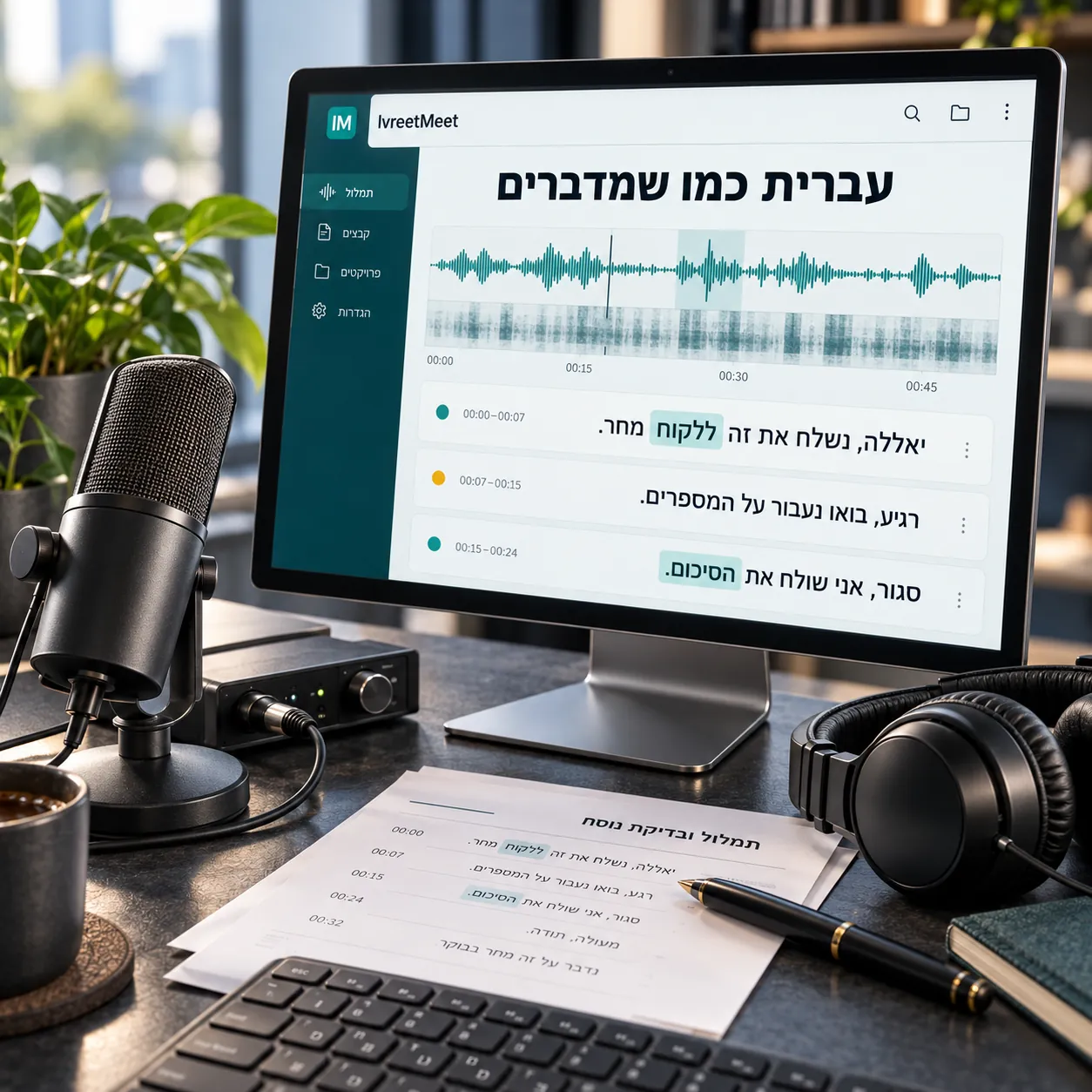
Speech to text turns spoken Hebrew into written Hebrew. It runs on a model trained on recorded speech, and the quality of the result depends far more on the recording and on how well the model knows the language than on anything you set in the interface. IvreetMeet runs its own Hebrew model, adds speaker separation and a summary, and gives you 120 free minutes a month to test it on your own audio.
What happens between the sound and the text
| Stage | What it does |
|---|---|
| Audio preparation | The recording is read and the speech is located inside it |
| Recognition | A Hebrew speech model writes what it hears, word by word, with timings |
| Speaker separation | The recording is cut where the voice changes, and each passage is attributed |
| Assembly | Passages become a readable transcript you can search and quote |
| Summary | A language model reads the transcript text and writes key points, decisions and action items |
Hebrew is not English with different letters
Three things make Hebrew speech recognition its own problem. Vowels are not written, so the same letters can be several different words and only context decides. Prefixes and suffixes attach directly to words, so a model that has learned whole-word patterns from English has to learn a different shape. And spoken Hebrew at work is full of English: product names, job titles, whole phrases. IvreetMeet's model was trained on Hebrew speech and expects all three.
How to get the best text
- A close microphone. A phone in the middle of the table, or a headset.
- One microphone per speaker when possible, which is what Zoom, Meet and Teams recordings give you.
- The original file. Upload the recording as it was saved.
- Context for the summary. Naming the participants and the purpose changes what the summary emphasises.
Frequently asked questions
Is there free Hebrew speech to text online?
Yes. Up to 60 seconds with no account at all, and 120 minutes per organization per month once you sign up. Details on the free page.
Does dictation work, not just recordings?
The service works on recordings you upload. Live dictation inside the product writes what you say as you speak; the guides here are about recorded files.
Is there an API?
Yes: a REST API with a personal key, and an MCP server that plugs your meetings into AI assistants. See API and MCP.
Why does a Hebrew-trained model matter?
Hebrew writes no vowels, glues prefixes onto words, and mixes English terms into ordinary speech. A model trained on spoken Hebrew knows all three, so the text comes out right.
What about speaker names?
Separating speakers inside one recording is automatic, and you name each speaker once. Organizations can also turn on recognition by voice, so a saved speaker's name is suggested in later meetings.
Try it on your own recording
IvreetMeet transcribes and summarizes Hebrew meetings. The free plan covers 7 meetings and 120 minutes per organization each month.
Start free