Hebrew speech-to-text API and MCP server
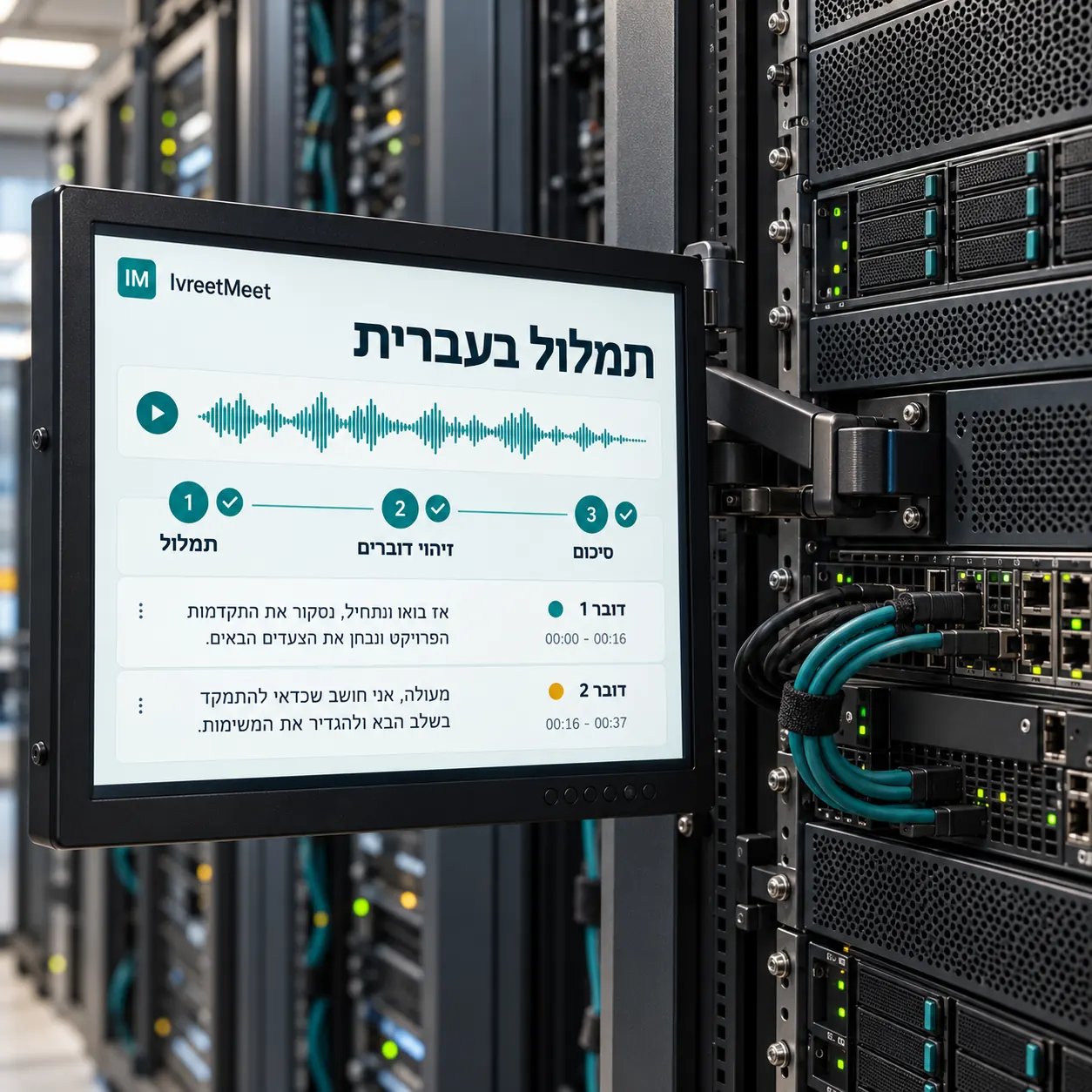
There are two programmatic ways in. A REST API with a personal key lets your own code upload a recording and read back the transcript, the summary, the decisions and the action items. An MCP server lets an AI assistant do the same on your behalf: connect it once and ask questions about your meetings inside Claude, ChatGPT, Cursor, VS Code, Codex CLI or Gemini CLI. Both are scoped to your organization and nothing else.
Which one do you want
| REST API | MCP server | |
|---|---|---|
| Who calls it | Your code | An AI assistant, on your behalf |
| Auth | Personal API key | One-time approval on an IvreetMeet page |
| Typical use | Pipelines, batch uploads, your own product | Asking questions about your meetings in a chat or an editor |
| Where it is documented | the developer guide | the connection page |
What the API gives you
- Upload a recording from a URL or a file, and follow its processing state.
- Read the transcript, by speaker and with timestamps, whole or in a time window.
- Read the summary, the decisions, the action items and the speakers.
- Search across every meeting in the organization and get the passage with a link to the exact minute.
- Ask for a new summary with your own instruction.
Connecting an assistant
- 1Copy the server address.
https://mcp.ivreetmeet.co.il/mcp - 2Add it to your client. In Claude: Settings, Connectors, add a custom connector. In a terminal client:
claude mcp add --transport http ivreetmeet https://mcp.ivreetmeet.co.il/mcp, or the equivalent for Codex and Gemini CLI. - 3Approve it once. An IvreetMeet page opens, shows which app is asking and what it will be allowed to do, and you allow or cancel.
- 4Ask in your own words. "What did we decide about the budget, and who owns it?" — the assistant searches your meetings and answers with the passage.
Good to know before you build
- Everything works on your organization's meetings.
- Fair rate limits apply per key.
- The plan's monthly transcription allowance applies to API uploads too.
- API keys are created and revoked in settings, and AI assistants disconnect in one click.
Full documentation
Frequently asked questions
Do I need to install the speech model?
No. The Hebrew speech model is available through the product and the API, so there is nothing to install or maintain: send a recording and get back a transcript by speaker and a summary.
How do I authenticate?
For your own code: a personal API key from the account settings, sent as Authorization: Bearer …. For an AI client: a one-time approval on an IvreetMeet page that names the app and what it may do.
What is MCP?
The Model Context Protocol: an open standard that connects an AI assistant to a data source. You add the server address once, approve it, and the assistant can search and read your own meetings.
Which clients work?
Claude and Claude Code, ChatGPT, Cursor, VS Code, Codex CLI and Gemini CLI — in practice any client that speaks MCP over HTTP.
What can the assistant see?
Only the meetings of the organization that approved the connection, and only what you ask it for in that moment. The approval is revocable from the account settings, and your password never reaches the connected app.
Try it on your own recording
IvreetMeet transcribes and summarizes Hebrew meetings. The free plan covers 7 meetings and 120 minutes per organization each month.
Start free