Hebrew transcription and meeting summaries
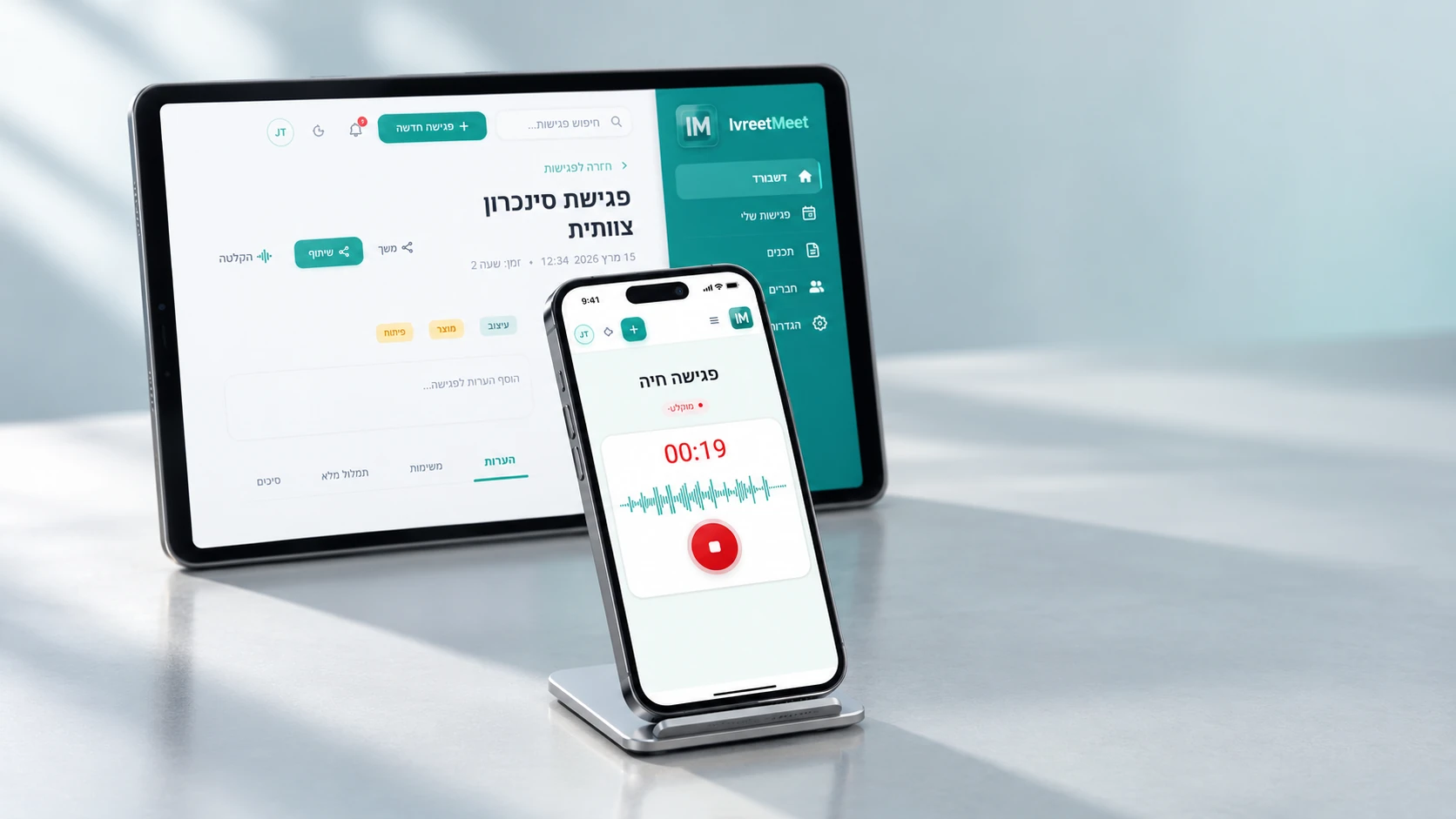
IvreetMeet is an Israeli service that turns Hebrew recordings into text and into a usable summary. Upload an audio or video file, or send the IvreetMeet assistant to a Zoom, Google Meet or Teams call, and you get a full transcript split by speaker with timestamps, plus a structured summary with key points, decisions and action items. It was built for spoken Hebrew — interruptions, Hebrew-English code switching, names no dictionary knows — and the free plan covers 7 meetings and 120 minutes per organization each month.
What you get from one recording
| Output | What it is | What it is for |
|---|---|---|
| Transcript | Everything that was said, split by speaker, with timestamps | Quoting, checking, searching |
| Summary | Key points in the order they were discussed | People who missed the meeting |
| Decisions | What was decided | The basis for formal minutes |
| Action items | What has to happen, who owns it, when | Follow-up |
| Sharing and exports | The summary as a PDF over WhatsApp or email, a view link, Word, PowerPoint | Sending it on |
How it works
- 1Record, or send the assistant. Zoom local or cloud recording, Google Meet, Teams, a phone recorder, or the browser recorder in IvreetMeet. Or paste the meeting link and the IvreetMeet assistant joins and records for you.
- 2Upload the file. Audio or video up to 4 GB: MP3, WAV, M4A, AAC, OGG/OPUS, FLAC, AMR, 3GP, WMA, AIFF, CAF, and video: MP4, MOV, WEBM, MKV, AVI. You can attach instructions for the summary — who is in the room, what the meeting is for, what matters.
- 3Read the transcript. Each sentence is marked with its speaker and time. Name the speakers once and search inside the text.
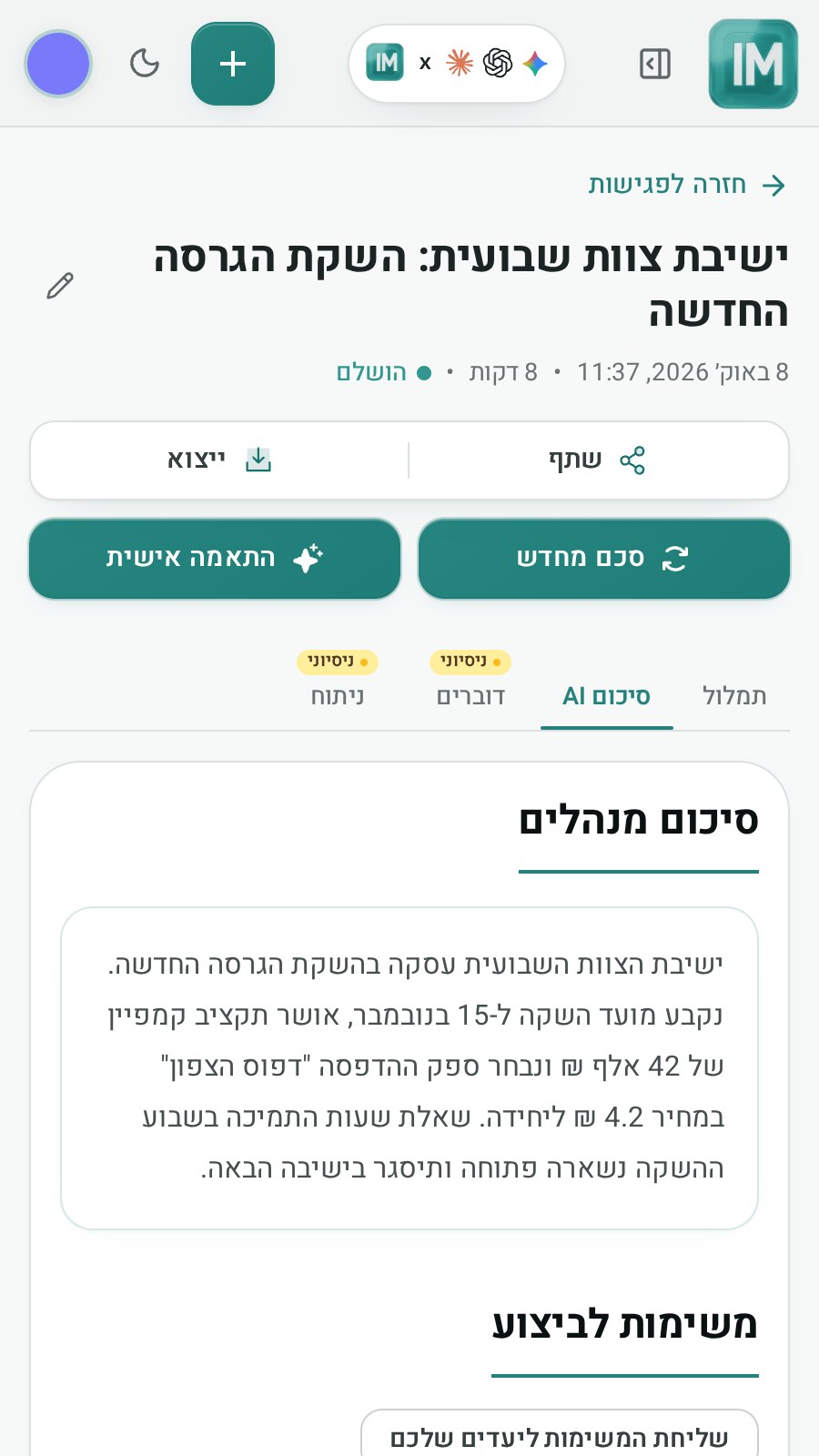
- 4Use the summary. Key points, decisions and action items, written from the full transcript. Want a different emphasis? Write an instruction and get a new summary.
- 5Share or export. Send the summary as a PDF over WhatsApp or email, share a view link, or export to Word or PowerPoint.
Built for spoken Hebrew
A meeting is not dictation. People talk over each other, switch to English mid-sentence, and use names of people, customers and products. That is exactly what IvreetMeet's own Hebrew speech model was trained on, and speaker separation is part of the system rather than an add-on. On public Hebrew test sets it ranks among the leading systems, and a new version only replaces the previous one after it proves more accurate on the same real meeting recordings.
Yours, and private
- Your organization's account. Your team works in one account, with every meeting in one place and searchable.
- No training on your meetings. Your recordings and transcripts are not used to train models.
- Sharing on your terms. A view link exists only when you create it, and you can switch it off at any time.
The site in Hebrew
The product interface and the full guides are in Hebrew at ivreetmeet.co.il. These English pages cover the same ground for people who search in English.
Frequently asked questions
Does IvreetMeet work with Hebrew only?
It is built for Hebrew, including the English that is mixed into it the way people actually speak at work: English terms, names and whole sentences inside a Hebrew conversation are transcribed as they were said.
Can IvreetMeet join my meeting?
Yes. Paste the Zoom (Pro plan), Google Meet or Teams link and the IvreetMeet assistant asks to join and records; the meeting arrives in your account transcribed and summarized. You can also record in any tool, or straight from the browser, and upload the file. There is nothing to install.
Is my audio used to train models?
No. Your recordings, transcripts and summaries are not used to train models, and you decide what to share and what to delete. More on the security page.
What does it cost?
The free plan covers 7 meetings and 120 minutes per organization per month, with transcription by speaker, summaries and PDF export. Pro is ₪99 per month with up to 70 hours a month, no commitment.
Is there an API?
Yes. There is a REST API with a personal key and an MCP server that connects your meetings to AI assistants. See the API and MCP page.
Try it on your own recording
IvreetMeet transcribes and summarizes Hebrew meetings. The free plan covers 7 meetings and 120 minutes per organization each month.
Start free