Hebrew video transcription
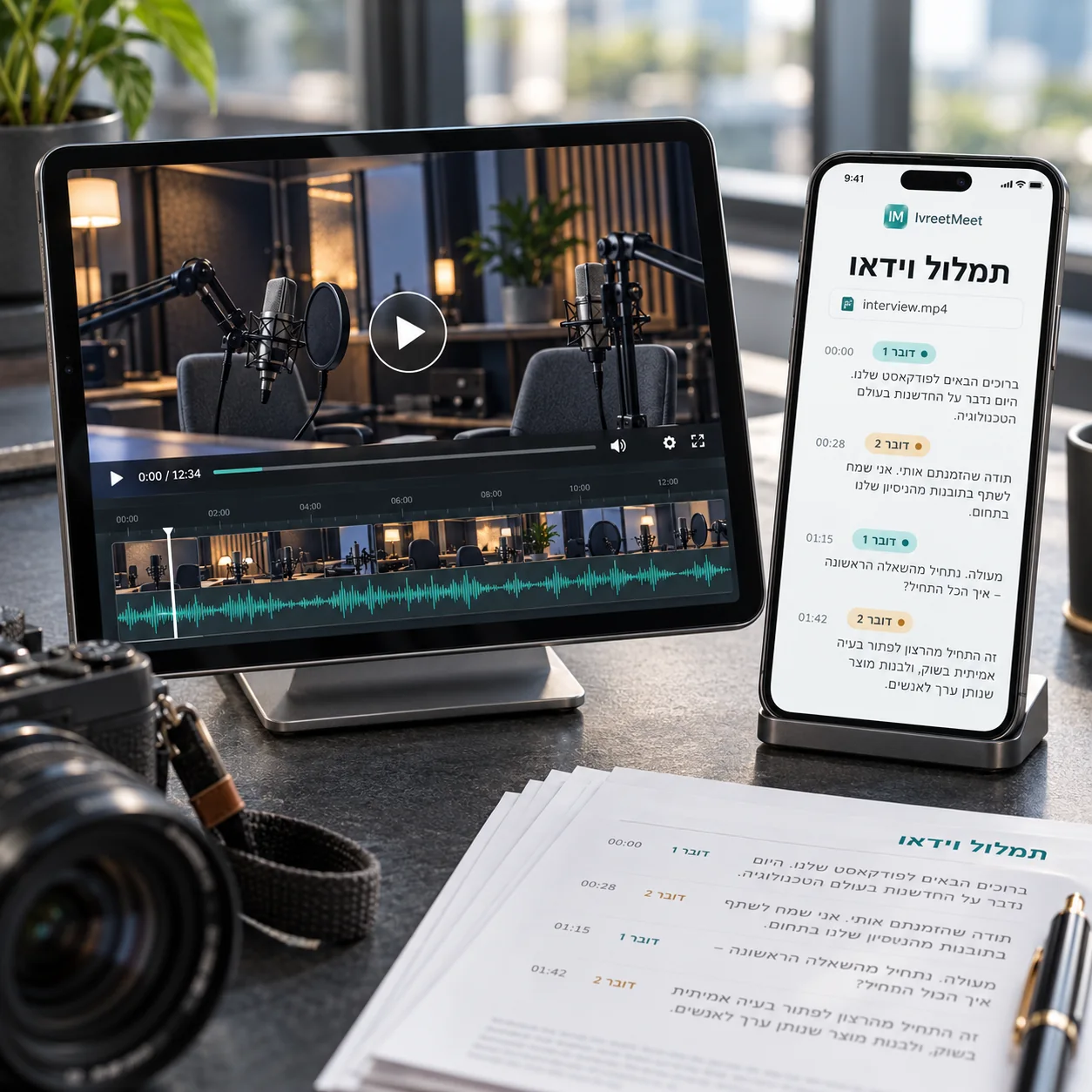
A video file transcribes exactly like an audio file: upload MP4, MOV, WEBM or MKV up to 4 GB, and the audio track is read into a transcript with speakers and timestamps, plus a summary. It works for lectures, interviews, webinars and recorded calls, and the timestamps are what make a long video searchable afterwards.
How it works
- 1Upload the video. MP3, WAV, M4A, AAC, OGG/OPUS, FLAC, AMR, 3GP, WMA, AIFF, CAF, and video: MP4, MOV, WEBM, MKV, AVI. Nothing is re-encoded on your side.
- 2The audio track is read. Picture, resolution and length do not change the result; the sound does.
- 3You get a transcript with timestamps. Every passage carries its speaker and its time, so you can find the moment in the video again.
- 4And a summary. Key points, decisions and action items, from the transcript.
Which videos transcribe well
| Type | What you get | Tip |
|---|---|---|
| Lecture or webinar | A full transcript and a study summary | A headset or a lapel microphone on the speaker |
| Interview | Question and answer, by speaker | Close microphones for both people |
| Panel or conference session | Every speaker separated, with times | A microphone per speaker, or the venue feed |
| Phone video | What was said, with timestamps | Film close to the person speaking |
Why timestamps are the point
For a long video the transcript is not only a document; it is an index. Searching the text and jumping to the time is the difference between finding a sentence in ten seconds and scrubbing through two hours. The same timestamps let you jump from any point in the summary back to the moment it came from.
Frequently asked questions
Which video formats work?
MP4, MOV, WEBM, MKV and AVI, up to 4 GB. Only the audio track is used, so resolution does not matter.
Do I get subtitles I can burn into the video?
Yes, on the paid plans: export the transcript as SRT or WebVTT and import it into your editor, or upload it to YouTube. The free plan exports PDF. The details, per platform: Hebrew subtitles.
Can I transcribe a YouTube video?
Yes. Download the video file (for example from YouTube Studio) and upload it, or upload just its audio track. You can then export Hebrew subtitles for it on the paid plans.
What about a two-hour lecture?
Fine, as long as the file is under 4 GB. For a long lecture the timestamps matter more than anything: they turn the transcript into a way to jump back to the moment.
One speaker or many?
Both work. A single lecturer is the easy case; a panel or an interview is separated by speaker automatically, and you name them once.
Try it on your own recording
IvreetMeet transcribes and summarizes Hebrew meetings. The free plan covers 7 meetings and 120 minutes per organization each month.
Start free